Olympus E-PL1 14-150mm
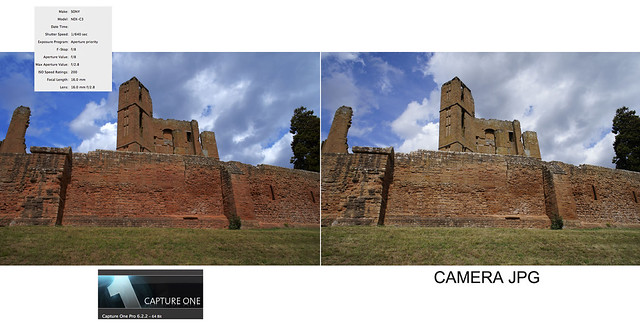
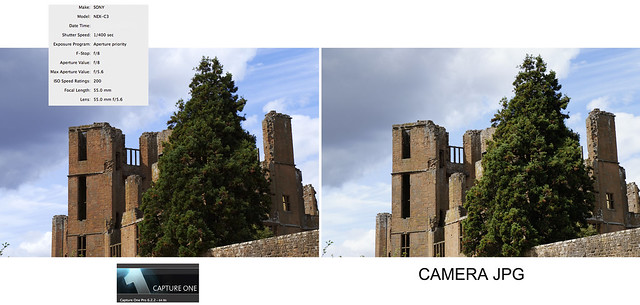
While I've been very impressed with what Capture One Pro from Phase One can do, I am unsure as to whether I'm going to buy it when my trial period runs out. Firstly its expensive, though they are offering a 30% discount until 28th August. Secondly, its more complicated and takes longer to process images than Adobe Camera Raw and Photoshop. Thirdly, its not really how I like to work. I prefer a simpler raw conversion that lets me do the majority of the work I want to on a file in Photoshop, rather than in the raw conversion software.
Olympus E-PL1 14-150mm
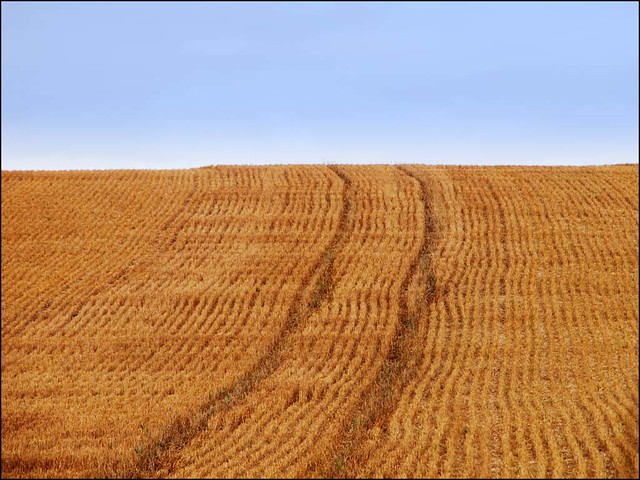
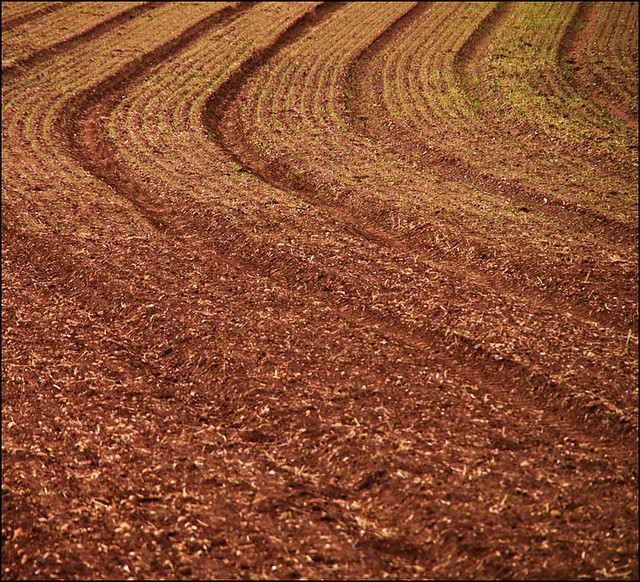
Olympus E-PL1 14-150mm
The trial I have downloaded also lets me try out the Express version of the software, though the nice thing about the Pro version is that it lets me open the files immediately in Photoshop.
I have tried most of the raw converters on the market and as I wrote yesterday this version of Capture One is the best I've ever used. The question is whether I want to go for the extra "complication" of stand alone software, even though it does integrate with Photoshop. It is very tempting, since some of the files I've produced are very impressive and it does do a very good job with m4/3 files.
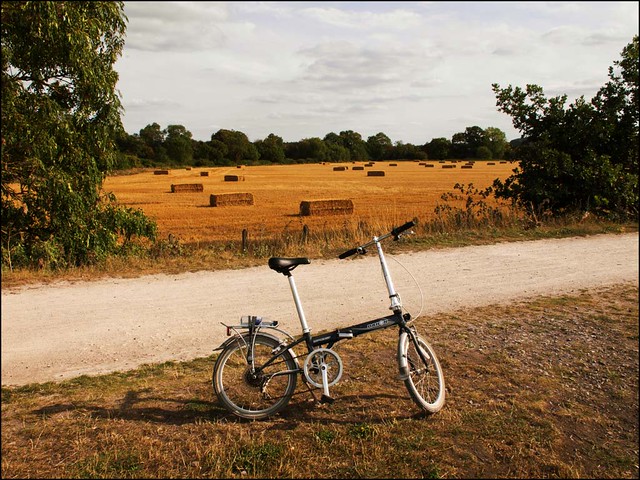
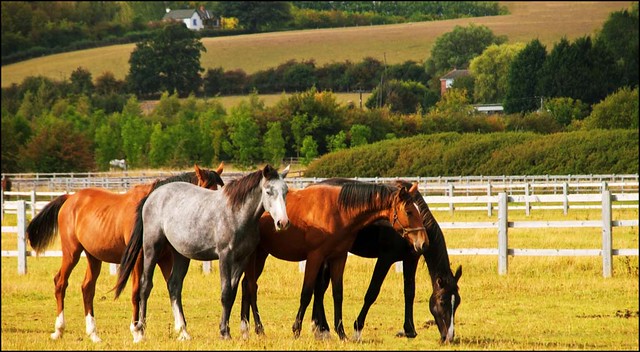
Olympus E-PL1 14-150mm
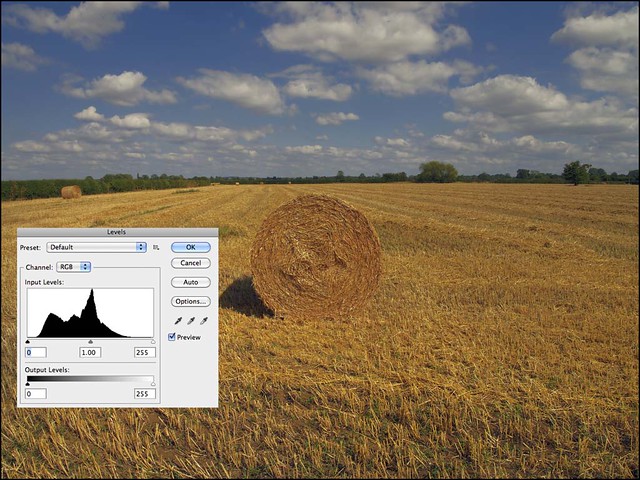
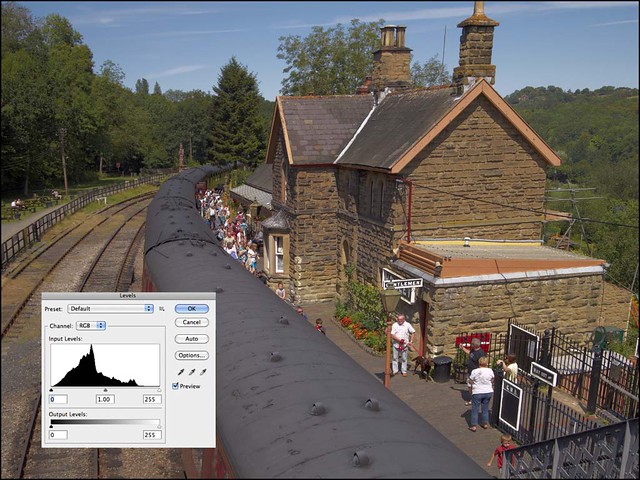
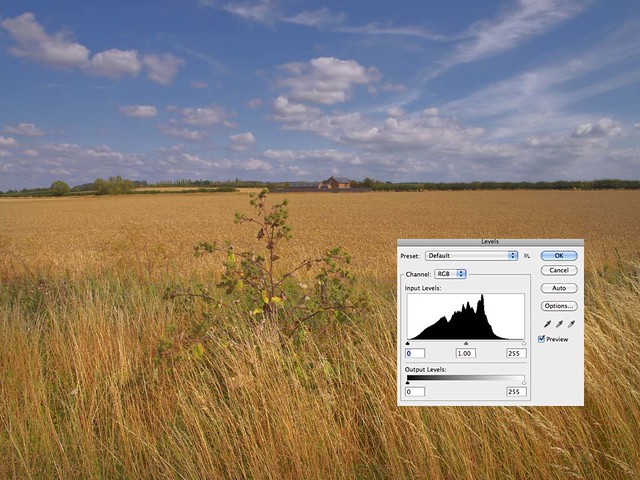
However, using Photoshop and Adobe Camera Raw works very well too. All the files in this post were processed using that combination. I wrote yesterday about the need to expose and "develop" carefully with m4/3, in order to get the best out of it. While I think the criticisms regarding the more limited dynamic range of m4/3 are often overstated, there is no doubt that it is more prone to blown highlights than other larger sensor formats. Particularly when it is also the case that the default metering settings of all the Panasonic and Olympus cameras that I have used have a tendency to over expose for my tastes.
I generally have all my m4/3 cameras set to - 0.7 in terms of exposure compensation, and this, more often than not gives me the exposure that I find most accurate. In fact, I do this with most of my cameras. It happens with both my Nikons and there has been a lot written in forums about how the Nikon D7000 has a tendency to over-expose slightly. While I can understand doing this in point-and-shoot compacts when the users probably won't make any adjustments to the file after taking the shot, it does seem a little strange in cameras that are aimed at a different market.
I'm not advocating deliberate under exposure here, I'm actually talking about getting the exposure correct. There is this theory that with digital cameras, you should expose to avoid having to lift the shadow areas, because thats where noise can be generated. However that does assume that you get the exposure right in the first place. Also using the new Sony 16MP sensor in the NEX-C3, Nikon D7000, Pentax K-5 etc. there are far less problems in exposing for the highlights, as that sensor allows shadow areas to be lightened quite dramatically with no or very little increase in noise.
I wrote a piece on it here:- http://soundimageplus.blogspot.com/2011/01/pentax-k-5-three-lenses-low-iso.html and this image, taken with a Pentax K-5, shows what you can do.
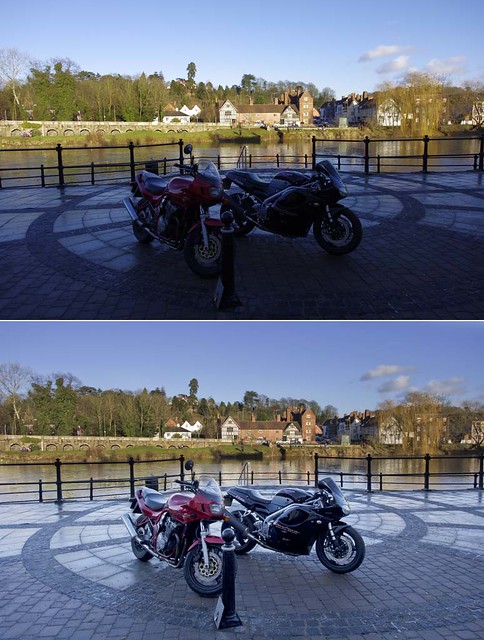
Pentax K-5 15mm F4 lens
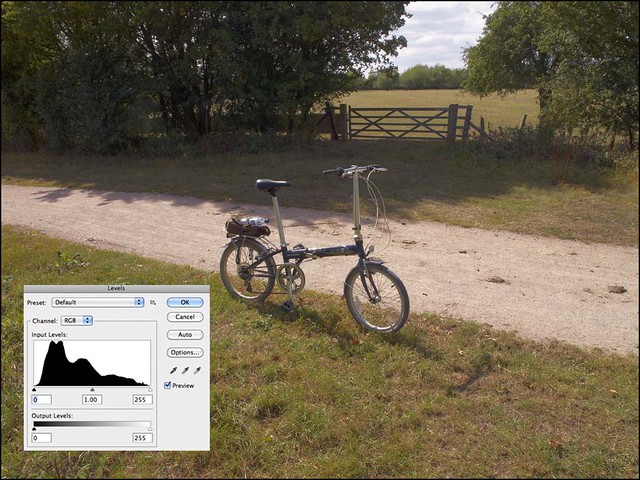
Micro Four-Thirds is not quite as forgiving as this, though here's an example where I've lifted the shadows with no great increase in noise.


The other great advantage of continuing to work with Photoshop and Adobe Camera Raw, is familiarity. I feel that I've only begun to scratch the surface with Capture One Pro, and the question is do I want to allocate the time to learning all its possibilities. I have no doubt that this would be a worthwhile exercise but whether I decide to do that remains to be seen.
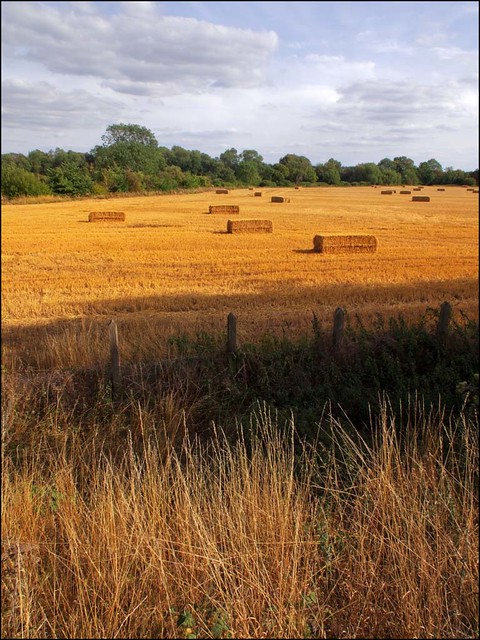
Olympus E-PL1 14-150mm
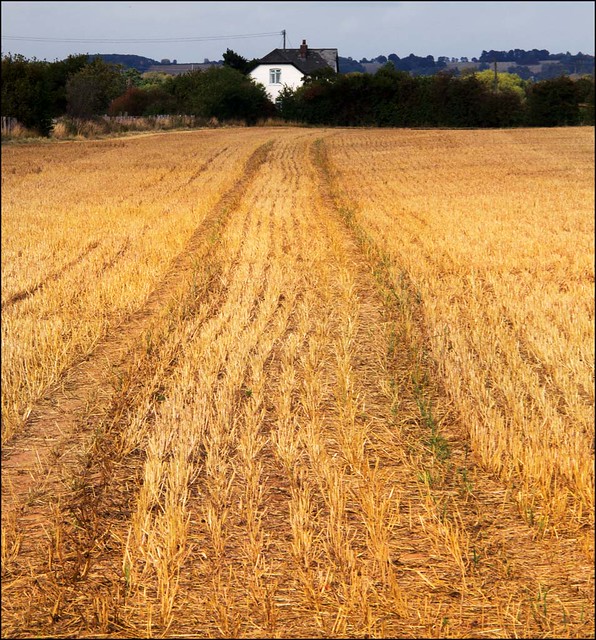
Olympus E-PL1 14-150mm